
Name-Based Case Searches
General Division searches start at the Navigator Public Portal. Its Smart Search takes a party name in last-name-first order, like Smith, Jordan. One normal search criterion is required. A wildcard can stand in for unknown characters. The portal rejects a wildcard combined with Advanced Filtering in a single search. Once results load, narrow the results. Use the case type, party role, filing date, and court shown on screen.
- Open Smart Search and select the name-search option.
- Enter the last name first, then the first name when known.
- Use a wildcard only when the spelling is uncertain.
- Open the matching case number and review its case summary.
| Field | Type | Required | Lucas note |
|---|---|---|---|
| Search Criteria | Text | One criterion normally | Case number, warrant number, or party name. |
| Party Name | Text | No | Use last-name-first format for Smart Search. |
| Wildcard | Character | No | Permitted for unknown name characters, not with Advanced Filtering. |
| Filter by Search Type | Dropdown | No | Includes attorney, business, judicial officer, party, case, and warrant fields. |
Lucas County Docket Search
Navigator is the quickest public entry point. It covers current General Division case information in Lucas County. The Clerk's official Navigator manual covers a lot. It walks through basic searches, advanced filters, hearing lookups, and related documents. Advanced Filtering narrows a docket search in several ways. Filter by attorney bar number, attorney name, business name, case cross-reference number, judicial officer, nickname, party name, or warrant number. One caution applies. A warrant-number lookup only matches an identifier. It proves nothing about whether a warrant is currently active.
The legacy Online Dockets user guide covers older docket tools. It explains how to reach detailed redacted documents through an individual docket entry.
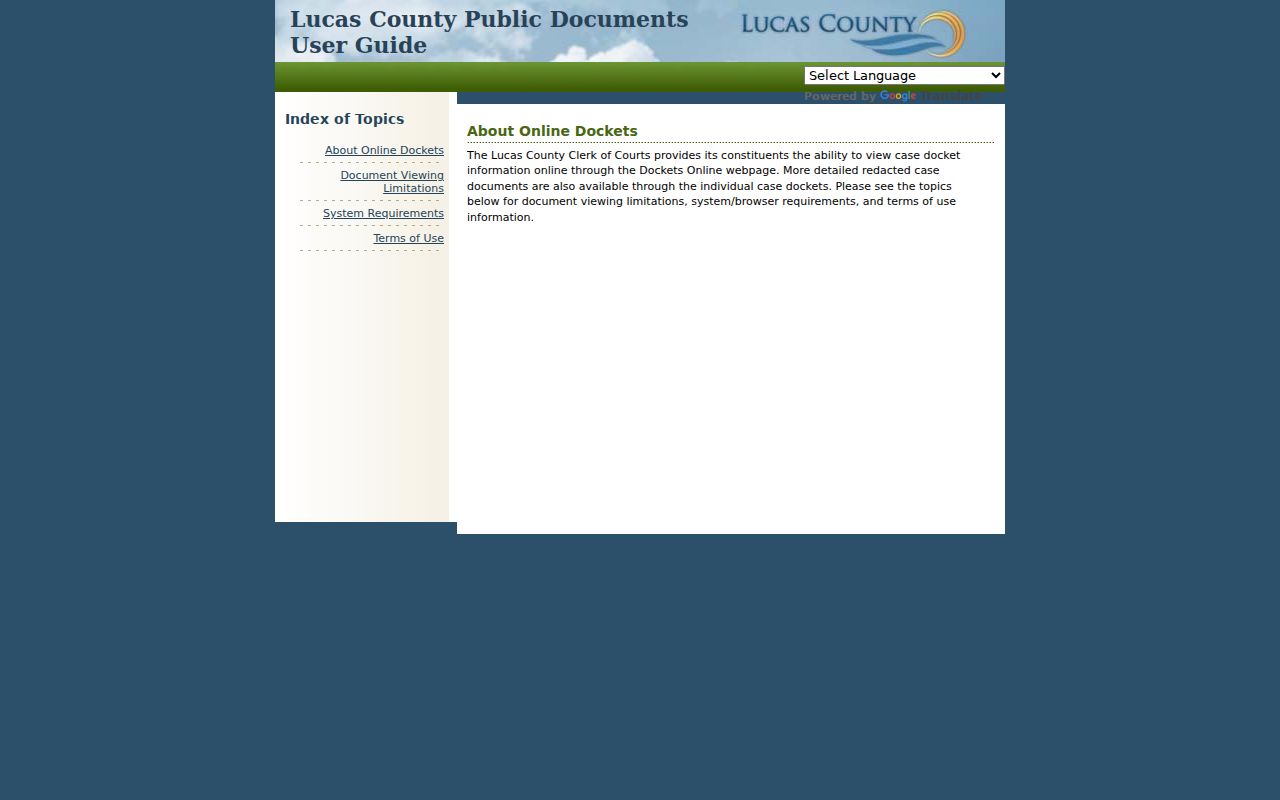
Older material can still identify a Lucas County file. When the legacy display and newer information differ, the county points General Division users back to the current portal path.
Case Number Searches
An exact case number is the fastest route into the issuing court's docket. General Division numbering changed with Navigator. A current civil number looks like CI2024-00001. A current criminal number looks like CR2024-00001. Read it in three parts: the prefix marks the case stream, the next four digits give the year, and the final sequence separates the case. Matters from before October 4, 2024 may carry a longer legacy syntax, so copy every character from the notice or older paperwork. Prefixes also route a docket search. The Clerk's case-information material lists CR, LR, and MS as Common Pleas records at the Legal Division. DR and DM point to the Family Court Center. CL signals Sixth District appellate context. A number off a municipal citation belongs with the municipal court that heard it, not the General Division portal.
Lucas County Case Numbers
Lucas County's online docket transition makes both numbering formats matter. Older General Division numbers use legacy syntax, the county says. Navigator issues shorter prefixes for newer cases. A search result is not wrong just because an old number will not fit a new-looking field. Enter the number exactly as written in the current portal. If nothing surfaces, try a party-name search and read the case-type clues. The Clerk's Online Dockets notice explains the change. The legacy General Division link is being phased out as equivalent information arrives through the newer services. When a search cannot settle the question, ask the record keeper. That may be the Legal Division, the division shown by the prefix, or the matching municipal clerk. That call earns its keep. Use it for an older record, a migration mismatch, or a document that never shows up online.
Case Search Results Explained
A result row only suggests a possible file. Open the Case Number link before drawing any conclusion. The Navigator case summary can display a lot. It shows parties, party role, case type, filing date, status, a Register of Actions, hearing information, and related documents when available. That Register of Actions lists, in order, every action entered in the case. It is the best tool for tracking filings and settings. Just remember an entry can appear online before the underlying action is signed and journalized.
| Case number | The court’s identifier, including current or legacy format. |
|---|---|
| Parties and role | The people or entities linked to the case, subject to restriction settings. |
| Case type and status | The case stream and the portal’s current status display. |
| Register of Actions | A chronological docket of filings, orders, and other recorded events. |
| Hearings and documents | Scheduled-event information and linked filings where the system exposes them. |
Lucas County Case Documents
Do not trust a thumbnail. The Navigator instructions warn that a related-document preview may show only the first two pages. Choose Download Document when it is available to get the complete related document. Even then a public image may be redacted. Some case records have no remotely available image at all. The docket entry still tells you what was filed when the attachment is restricted or missing. Need deeper General Division access? Lucas Justice Case Access is the Clerk's more detailed route. It works for users with the required account credentials.
JCA can add General Division detail, including financial data and party addresses. It cannot open a restricted or sealed file to the public.
Two Ways to Search: County and State
Pick your search path by scope. Need its current case summary or hearing? A Lucas County Common Pleas General Division case belongs in the county portal. A broader search across participating counties calls for re:SearchOH. Confirm any Lucas result with the local record keeper. Since January 6, 2026, the Clerk says General Trial Division information flows through re:SearchOH and JCA. Both require an account. Navigator still serves as the public county portal for its configured information.
| Service | Scope | Access | Best use |
|---|---|---|---|
| Navigator Public Portal | Lucas General Division | Public portal | Smart Search, hearing search, case summary, and available documents. |
| re:SearchOH | Participating Ohio courts | Account required for Lucas access | Broader search and current Lucas General Division channel. |
| Justice Case Access | Lucas General Division | Account required | More detailed General Division record information. |
Lucas County Hearing Search
A case search and a hearing search answer different questions in Lucas County. Navigator's Search Hearings function asks for a location and a narrow date range. Then pick a search type. Options include case number, party name, business name, attorney, judicial officer, or courtroom. Results can show the date, time, hearing type, judge or magistrate, courtroom, and case category. Expect a captcha along the way.
Trust the most recent setting, not an older row or a payment deadline. A signed, journalized notice or order may conflict with what the portal displays. The notice or order controls. Courtroom staff, the bailiff, and the Clerk can still confirm a disputed or missing setting.
re:SearchOH's statewide search service is another current access route Lucas County points to for court records.
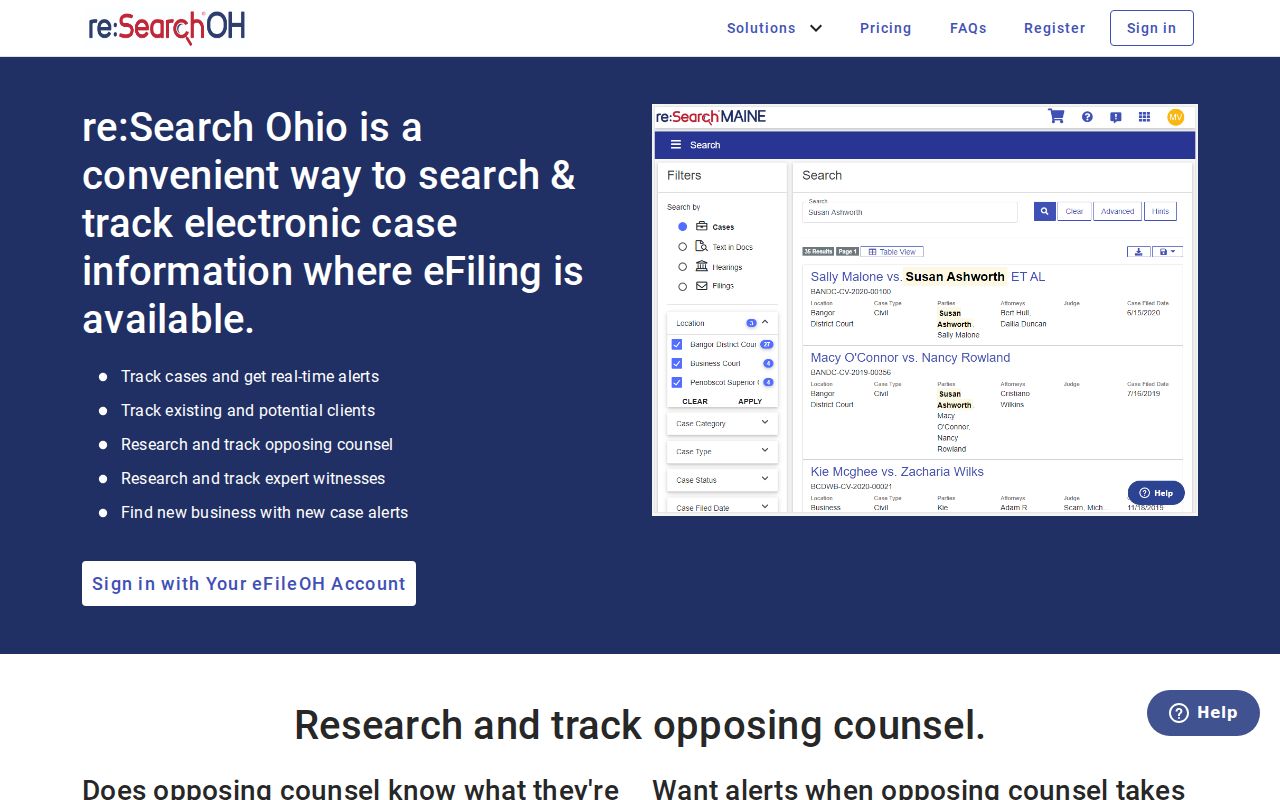
That statewide service helps during the current transition. For a Lucas County court record that needs direct confirmation, though, the local court and the Clerk still hold the file.
Which Cases Stay Restricted
Ohio treats court records as open by default. The rule has limits. Under ORC 2303.901, personal identifiers and defined protected materials stay out of public case documents. A party marked restricted in Navigator never displays online. Visibility can also shrink by party connection key, case type, or security group. Juvenile records follow their own access rules. Domestic-relations filings can hold protected health, treatment, guardian ad litem, or financial material.
A sealed or expunged adult case may show a reduced or deleted index reference under ORC 2953.32. So a blank docket search does not mean no case ever existed. The miss could come from several things. It might be the wrong court, an older case number, a restricted setting, or a lawful seal. Never try to work around a restriction. Ask the court or Clerk that keeps the record what public access it allows.
Lucas County Case Search Troubleshooting
Start by identifying the right court. General Division holds felony and major civil cases, while Toledo, Oregon, Sylvania, and Maumee run separate municipal court dockets. Juvenile, Probate, and Domestic Relations keep their own streams too. Once the court is clear, try the current and legacy number patterns, then a last-name-first search. If a record should exist but the portal returns nothing, contact the division with custody. Do not assume the search is complete.
The Lucas County Clerk of Courts Legal Division holds Common Pleas appellate, civil, felony/criminal, and domestic-relations filings. When a portal fails, other paths remain open. Public inspection, a request to the Clerk, and the relevant municipal clerk all work. Any formal use calls for the signed, journalized record or a certified copy from its keeper.
For a General Division record, go to the Clerk’s Legal Division. It sits at 700 Adams Street in Toledo. The central number is 419-213-4484. Case Information lists 419-213-4493. An account-gated service or a public docket search can stall sometimes. The counter works. Telephone case-information lines work too. A written public-record request also works when a public docket search stalls. Municipal cases belong to the Toledo, Oregon, Sylvania, or Maumee clerk. Juvenile traffic, Probate, and Domestic Relations each take their own office route.
Lucas County identifies re:SearchOH and JCA as account-required General Division services. Without an account, use Navigator for public results and the Clerk’s direct channels for anything needing confirmation. Follow the court with custody, not just the closest matching name.
Lucas County Municipal Case Search
A Lucas County case search has to switch systems. That happens once the case sits in municipal court. Each court runs its own access. Toledo Municipal Court splits its Civil Case Information from its Criminal/Traffic Case Information paths. Oregon Municipal Court links an official NORIS record search. Sylvania’s record and payment system takes a last name. Optional narrowing fields help. The court says a verified record still needs a written request or a counter visit. Maumee’s Court Innovations service covers only eligible case resolution, so a general Maumee traffic or criminal record belongs with the Clerk at 419-897-7136.
Let the court named on the citation, notice, or filing decide your first search. Waterville adult municipal cases route to Maumee, since no separate Waterville docket exists. Juvenile traffic and juvenile cases run through the Lucas County Juvenile Court stream. Searching Navigator is not a full fallback for municipal or juvenile matters, because those keepers run their own systems with their own lawful restrictions.
Lucas County Legacy Case Search
General Division case numbers changed format on October 4, 2024. Current civil numbers use the short CI year-and-sequence format. Current criminal numbers use CR. Older records keep the longer hyphenated syntax, with zero wrappers and, on converted criminal cases, a defendant suffix like D1. An exact docket search can fail when punctuation or that suffix gets dropped, so treat the case number as a search key, not a label to shorten.
The online access picture is dated too. On January 6, 2026, Lucas County announced that General Trial Division information now flows through account-based re:SearchOH and Justice Case Access, with the former General Division online-docket route being phased out. Navigator still works as a public route. When a legacy result conflicts with a current portal, a signed order, or the Clerk’s file, treat the current court record as the better source and ask the keeper to resolve the discrepancy.
Lucas County Case Search Access
Sometimes the search comes up empty even with the right court and case number. The Lucas County portal lets Navigator limit what you see through a party connection key, a case type, or a case security group. A restricted party may simply not show online. So a blank result does not mean no Lucas County case exists. The miss could come from several sources. Think of a sealed or expunged record, a protected Domestic Relations or Juvenile matter, an older file, or a wrong court route.
Need an actual document from a public General Division file? Look for the related-document icon in the Register of Actions. The portal may show only the first two pages. The full document downloads after that. When no image is linked, the record is restricted, or you need certification, contact the Legal Division. The address is 700 Adams Street. The Clerk can point you to the lawful channel. It will not reveal what court rules keep nonpublic.